Tables and reports
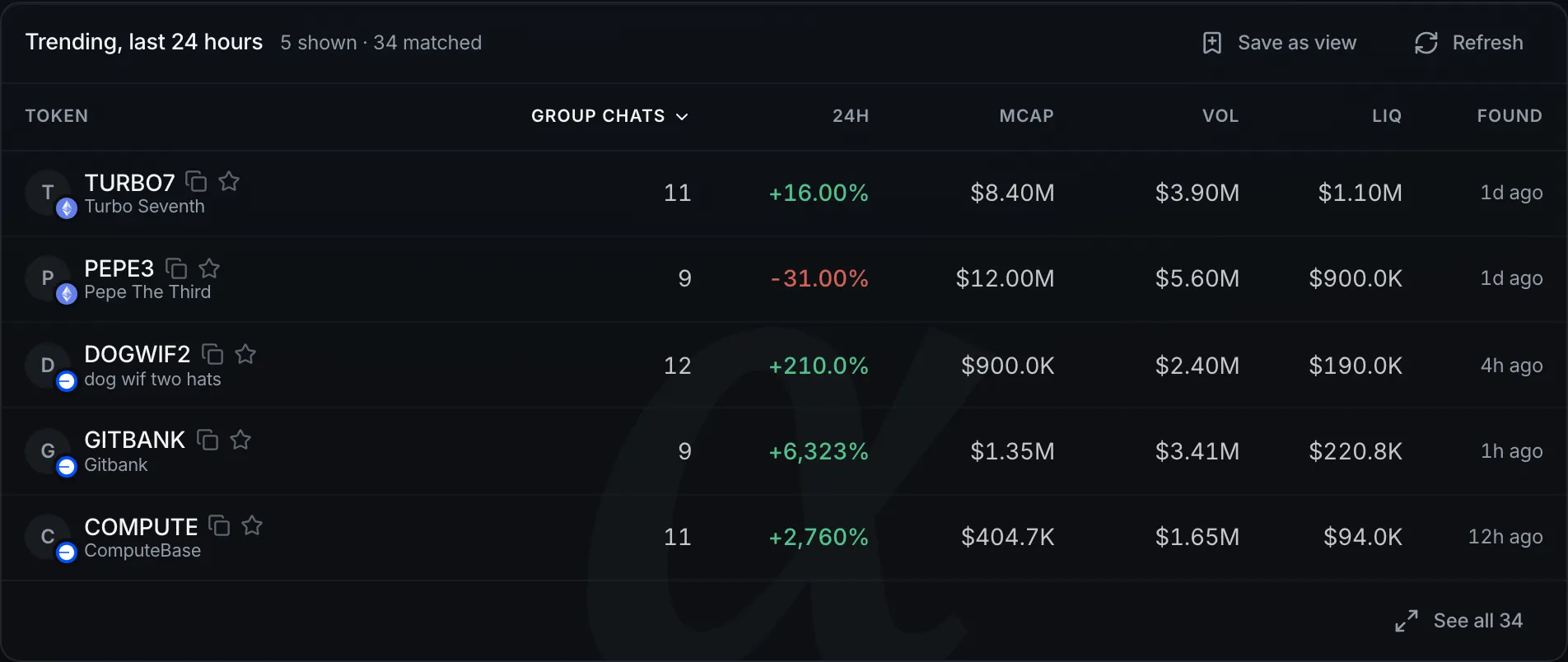
When an answer is about a set of tokens, it shows them in a table. When it is about one token, it can show that token’s report.
Tables
To change a table, ask again: “only the ones with a named team”, “rank them by liquidity”. Each question makes a new table, and the earlier one stays.
Prices in a table update about once a minute. Select Refresh to run the search again with current data. This is free.
Select See all to open every matching token, up to 300. Select Save as view to keep the table in the sidebar as a view.
Hover over a token to see a short summary. Select it to open its report page.
Report pages
Every token has a report page. Anyone can read it, without signing in.
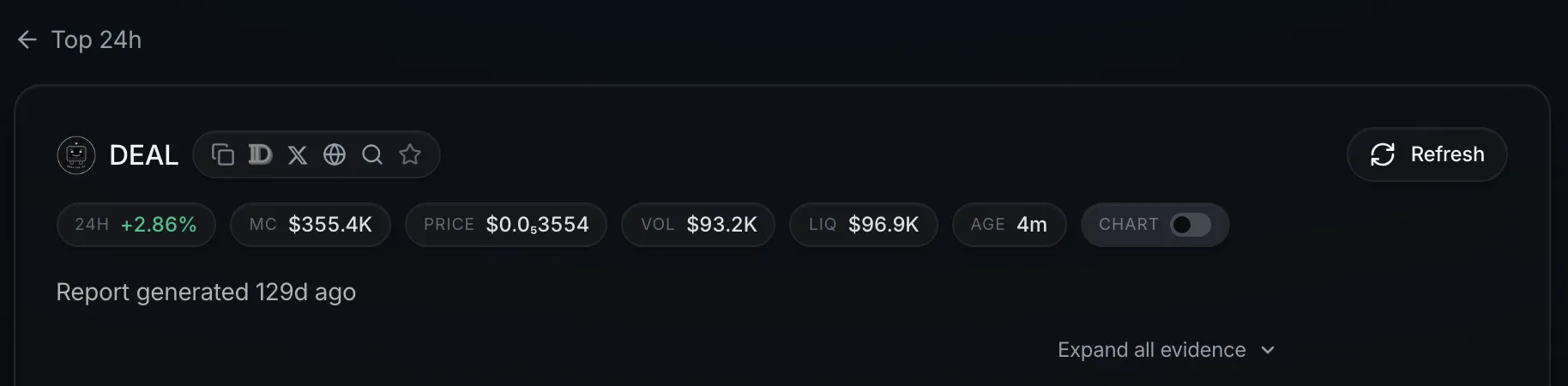
The report covers what the token does, the team, the story around it, the case for and against, and coming events. Every claim has its sources. Select Expand all evidence to see them all.
A red banner means the token may be copying an established project. The banner links to the real one.
Refresh researches the token again. If a refresh is not available yet, the button shows when it will be. If a token has no report, select Generate report.
To tell us something is wrong, select Report an issue at the end of the report.